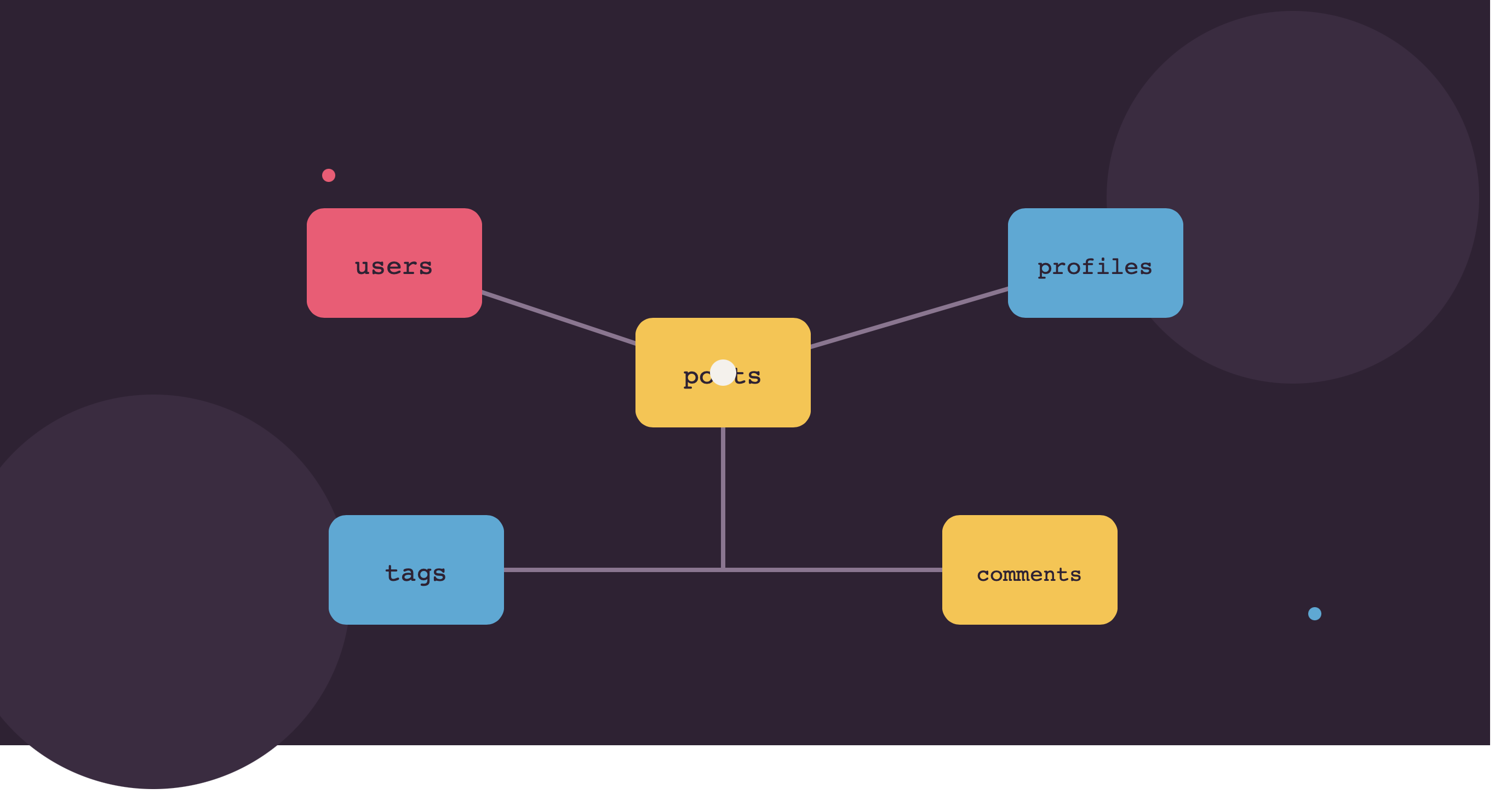
Eloquent is the part of Laravel that turns database tables into plain PHP objects you can work with naturally — $user->posts instead of writing a JOIN by hand. This guide walks through it from the ground up: migrations, the artisan commands you'll type daily, every relationship type with a working example, pivot tables, polymorphic relations, accessors/mutators, and eager loading — the parts that actually come up constantly once you start building real features.
Part 1: Migrations — Defining the Database in Code
A migration is a version-controlled file describing a database change, so your schema evolves the same way your code does — through Git, not manual database edits that only exist on one person's machine.
php artisan make:migration create_posts_tableSchema::create('posts', function (Blueprint $table) {
$table->id();
$table->foreignId('user_id')->constrained()->cascadeOnDelete();
$table->string('title');
$table->text('body');
$table->timestamps();
});Run it:
php artisan migrateUndo the last batch if something's wrong:
php artisan migrate:rollbackAdding a column later gets its own migration — never edit an old one that's already run in production:
php artisan make:migration add_views_to_posts_table --table=postsSchema::table('posts', function (Blueprint $table) {
$table->unsignedInteger('views')->default(0)->after('body');
});Part 2: The Artisan Commands You'll Actually Use Daily
# Model only
php artisan make:model Post

# Model + migration together (most common)
php artisan make:model Post -m

# Model + migration + controller
php artisan make:model Post -mc

# Model + migration + controller (resourceful, all 7 REST methods) + form request classes
php artisan make:model Post -mcr --requests

# Controller alone
php artisan make:controller PostController

# Resourceful controller (index, create, store, show, edit, update, destroy)
php artisan make:controller PostController --resource

# API resource controller (no create/edit views, since APIs don't need HTML forms)
php artisan make:controller Api/PostController --api

# API Resource class (transforms a model into JSON output)
php artisan make:resource PostResource

# Resource collection (for paginated/list JSON responses)
php artisan make:resource PostCollection

# Form Request (dedicated validation class)
php artisan make:request StorePostRequest

# Factory (fake data for testing/seeding)
php artisan make:factory PostFactory --model=Post

# Seeder
php artisan make:seeder PostSeeder

# Policy (authorization rules for a model)
php artisan make:policy PostPolicy --model=Post
make:model Post -mcr --requests in one command scaffolds nearly everything needed for a standard CRUD resource — worth memorizing for daily use.
Registering resourceful routes takes one line instead of writing seven manually:
Route::resource('posts', PostController::class);Part 3: Every Eloquent Relationship Type, With Examples
One to One
A User has one Profile.
// User model
public function profile()
{
    return $this->hasOne(Profile::class);
}

// Profile model
public function user()
{
    return $this->belongsTo(User::class);
}
$user->profile->bio; // access from the "one" side
$profile->user->name; // access from the "belongs to" sideOne to Many
A User has many Posts.
// User model
public function posts()
{
    return $this->hasMany(Post::class);
}

// Post model
public function user()
{
    return $this->belongsTo(User::class);
}
$user->posts; // collection of all this user's posts
$post->user->name; // the author of a single post
$user->posts()->create(['title' => 'New Post', 'body' => '...']);Many to Many
A Post has many Tags, and a Tag belongs to many Posts — needs a pivot table (post_tag, by Laravel's naming convention: singular model names alphabetically joined with an underscore).
Schema::create('post_tag', function (Blueprint $table) {
    $table->foreignId('post_id')->constrained()->cascadeOnDelete();
    $table->foreignId('tag_id')->constrained()->cascadeOnDelete();
    $table->primary(['post_id', 'tag_id']);
});
// Post model
public function tags()
{
return $this->belongsToMany(Tag::class);
}
// Tag model
public function posts()
{
return $this->belongsToMany(Post::class);
}$post->tags; // all tags on this post
$post->tags()->attach($tagId); // add a tag
$post->tags()->detach($tagId); // remove a tag
$post->tags()->sync([1, 2, 3]); // replace all tags with exactly these IDsHas Many Through
A Country has many Posts through Users — useful when you need a relationship two tables away without loading the middle table explicitly.
// Country model
public function posts()
{
    return $this->hasManyThrough(Post::class, User::class);
}
$country->posts; // every post written by any user belonging to this countryPolymorphic One to Many
Both Post and Video can have Comments, without needing separate post_comments and video_comments tables.
Schema::create('comments', function (Blueprint $table) {
    $table->id();
    $table->text('body');
    $table->morphs('commentable'); // creates commentable_id + commentable_type columns
    $table->timestamps();
});
// Comment model
public function commentable()
{
return $this->morphTo();
}
// Post model
public function comments()
{
return $this->morphMany(Comment::class, 'commentable');
}
// Video model
public function comments()
{
return $this->morphMany(Comment::class, 'commentable');
}$post->comments; // all comments on this post
$comment->commentable; // the Post OR Video this comment belongs to, resolved automaticallyPolymorphic Many to Many
Both Post and Video can be tagged, using one shared tags table and one shared pivot.
Schema::create('taggables', function (Blueprint $table) {
    $table->foreignId('tag_id')->constrained()->cascadeOnDelete();
    $table->morphs('taggable');
});
// Tag model
public function posts()
{
return $this->morphedByMany(Post::class, 'taggable');
}
public function videos()
{
return $this->morphedByMany(Video::class, 'taggable');
}
// Post model
public function tags()
{
return $this->morphToMany(Tag::class, 'taggable');
}$post->tags()->attach($tagId);
$tag->posts; // all posts using this tag
$tag->videos; // all videos using this tag — same tags table, no duplicationPart 4: Pivot Tables With Extra Data
Sometimes a many-to-many relationship needs its own attributes — e.g., when a user joined a team, or what role they hold.
Schema::create('team_user', function (Blueprint $table) {
    $table->foreignId('team_id')->constrained()->cascadeOnDelete();
    $table->foreignId('user_id')->constrained()->cascadeOnDelete();
    $table->string('role')->default('member');
    $table->timestamp('joined_at')->useCurrent();
});
// Team model
public function users()
{
return $this->belongsToMany(User::class)
->withPivot('role', 'joined_at')
->withTimestamps();
}foreach ($team->users as $user) {
echo $user->pivot->role; // access the extra pivot column
echo $user->pivot->joined_at;
}
$team->users()->attach($userId, ['role' => 'admin']);Part 5: Accessors and Mutators (Getting and Setting)
Accessors transform data when you read it; mutators transform it when you write it — without touching the raw database value.
// User model
use Illuminate\Database\Eloquent\Casts\Attribute;

protected function fullName(): Attribute
{
    return Attribute::make(
        get: fn () => "{$this->first_name} {$this->last_name}",
    );
}

protected function password(): Attribute
{
    return Attribute::make(
        set: fn ($value) => Hash::make($value),
    );
}
$user->full_name; // runs the accessor, no full_name column needed
$user->password = 'plaintext'; // automatically hashed before saving, every timeThis guarantees a password can never accidentally be saved unhashed, no matter where in the app it's set.
Part 6: Eager Loading — Solving the N+1 Problem
Without eager loading, looping over a relationship triggers one query per row:
// BAD: 1 query for posts + 1 query per post for its author = N+1 queries
$posts = Post::all();
foreach ($posts as $post) {
    echo $post->user->name;
}
// GOOD: exactly 2 queries total, regardless of how many posts exist
$posts = Post::with('user')->get();Eager load multiple and nested relationships at once:
$posts = Post::with(['user', 'tags', 'comments.user'])->get();
// comments.user eager loads each comment's author too, in one extra query
Lazy eager loading — when you already have a collection and realize afterward you need a relationship:
$posts = Post::all();
// later in the same request:
$posts->load('user');
Conditional eager loading — only load a relationship's records matching a condition:
$posts = Post::with(['comments' => function ($query) {
    $query->where('approved', true);
}])->get();
Counting related records without loading them — useful for showing "12 comments" without pulling all 12 rows:
$posts = Post::withCount('comments')->get();
$posts->first()->comments_count;
Part 7: Common Daily Patterns
// Find or fail (404s automatically if not found — ideal for route model binding)
$post = Post::findOrFail($id);

// First matching record or create it if missing
$tag = Tag::firstOrCreate(['name' => 'Laravel']);

// Update or create in one call
Post::updateOrCreate(['slug' => $slug], ['title' => $title, 'body' => $body]);

// Query scopes for reusable filters
public function scopePublished($query)
{
    return $query->where('status', 'published');
}
// usage:
Post::published()->latest()->paginate(10);

// Chunking large datasets to avoid memory issues
Post::chunk(200, function ($posts) {
    foreach ($posts as $post) {
        // process each without loading the entire table into memory
    }
});
Quick Checklist
- ✓ Migrations used for every schema change, never manual database edits — add new migrations for changes, don't edit old ones that already ran in production
- ✓ The right artisan shortcut used (
-mcr --requests) instead of creating each file separately every time - ✓ Relationship type matches the actual data shape: one-to-one, one-to-many, many-to-many, polymorphic when multiple models share the same kind of related data
- ✓ Pivot tables carry extra columns (
withPivot) whenever the relationship itself has attributes, like a role or join date - ✓ Accessors/mutators used for derived or transformed data instead of repeating logic everywhere it's displayed or saved
- ✓
with()used any time a relationship is accessed inside a loop, to avoid N+1 queries - ✓
withCount()used instead of loading full related collections just to display a count
Eloquent's relationship methods look like syntax to memorize at first, but they map directly onto real-world data shapes — once "a post has many comments, and a comment belongs to a post" clicks, the corresponding hasMany/belongsTo pairing stops needing to be looked up.