The service container and service providers are the two pieces of Laravel most developers use every single day without ever really understanding — right up until a binding doesn't resolve the way they expect, or they can't figure out why swapping an implementation requires editing five files instead of one. This guide breaks down what each piece does, how they connect, and walks through a complete practical example.
What the Service Container Actually Is
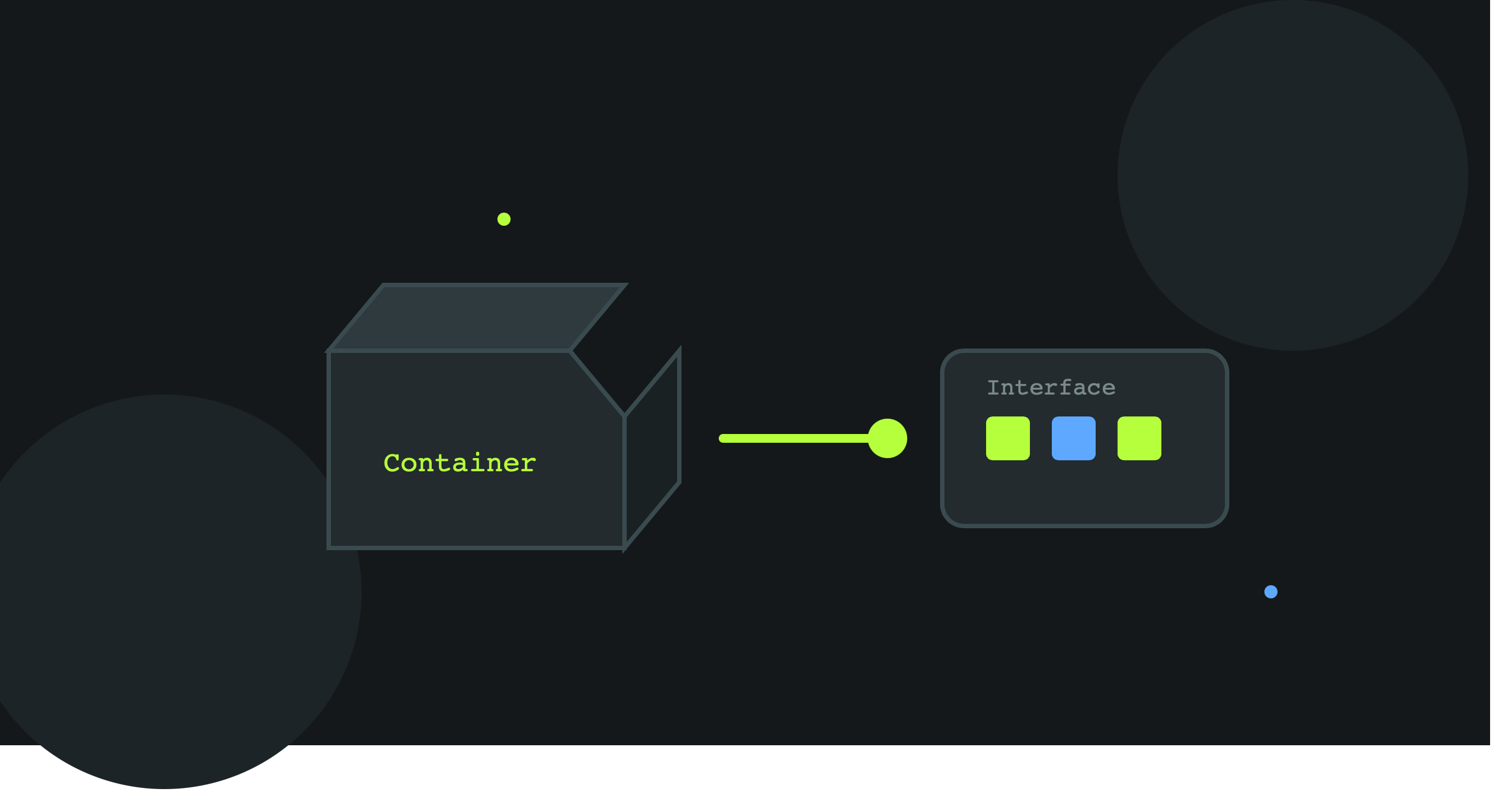
Strip away the terminology and the service container is just a big box that knows how to build objects for you, including their dependencies, automatically.
Without it, building an object with dependencies looks like this:
    $mailer = new SmtpMailer(new SmtpConfig('smtp.host.com', 587));
    $logger = new FileLogger('/var/log/app.log');
    $notificationService = new NotificationService($mailer, $logger);
Every layer has to be constructed by hand, in the right order, every time. Laravel's container does this instead — you tell it once how to build something, and from then on you just ask for it:
    $notificationService = app(NotificationService::class);
    // or, more commonly, via constructor injection — see below
The container inspects NotificationService 's constructor, sees it needs a Mailer and a Logger , resolves those automatically (recursively, if they have their own dependencies), and hands you a fully built object. This is called automatic dependency injection , and it's why Laravel controllers can just type-hint what they need:
    public function send(NotificationService $notificationService)
    {
        // Laravel already built this and injected it — no manual instantiation
    }
What a Service Provider Actually Is
If the container is the box that builds things, a service provider is where you tell the box how to build things it can't figure out on its own.
The container can auto-resolve simple classes with no ambiguity (like NotificationService above, if its dependencies are concrete classes). But it cannot guess which implementation to use when there's an interface involved:
public function __construct(PaymentGatewayInterface $gateway) {}
An interface has no new — it can't be instantiated directly. The container needs to be told: "when something asks for PaymentGatewayInterface , give them a StripeGateway ." That instruction lives in a service provider's register() method.
Every Laravel app already has several service providers running ( AppServiceProvider , RouteServiceProvider , etc.) — they're loaded automatically at boot and are where all this wiring happens.
register() vs boot() — The Distinction That Trips People Up
-
register()— only for binding things into the container. Nothing else should happen here. You cannot reliably use other services here, because other providers might not have registered yet. -
boot()— runs after all providers have registered. Safe to use anything from the container here — routes, view composers, event listeners, config that depends on other bindings.
Getting this backwards (e.g., resolving a binding inside register() ) is one of the most common sources of "why is this null" bugs in Laravel apps.
Practical Example: Registering a Swappable Notification Service
Say the app needs to send notifications, and the channel (email now, SMS or Slack later) shouldn't require rewriting every controller that sends one.
Step 1: Define the Interface
    // app/Contracts/NotificationChannelInterface.php
    interface NotificationChannelInterface
    {
        public function send(string $to, string $message): bool;
    }
Step 2: Build a Concrete Implementation
    // app/Services/Notifications/EmailNotificationChannel.php
    class EmailNotificationChannel implements NotificationChannelInterface
    {
        public function __construct(private \Illuminate\Mail\Mailer $mailer) {}

        public function send(string $to, string $message): bool
        {
            $this->mailer->raw($message, function ($mail) use ($to) {
                $mail->to($to)->subject('Notification');
            });

            return true;
        }
    }
Notice EmailNotificationChannel itself depends on Laravel's Mailer — the container will resolve that automatically since Mailer has no ambiguity; only the interface-to-implementation link needs manual help.
Step 3: Create a Dedicated Service Provider
Don't cram every binding into AppServiceProvider as a project grows — a focused provider keeps things discoverable:
php artisan make:provider NotificationServiceProvider
    // app/Providers/NotificationServiceProvider.php
    use App\Contracts\NotificationChannelInterface;
    use App\Services\Notifications\EmailNotificationChannel;

    class NotificationServiceProvider extends ServiceProvider
    {
        public function register(): void
        {
            $this->app->bind(NotificationChannelInterface::class, EmailNotificationChannel::class);
        }

        public function boot(): void
        {
            // Nothing needed here for this example, but this is where
            // you'd register view composers, event listeners, etc.
        }
    }
Step 4: Register the Provider
    // bootstrap/providers.php (Laravel 11+)
    return [
        App\Providers\AppServiceProvider::class,
        App\Providers\NotificationServiceProvider::class,
    ];
(On Laravel 10 and earlier, this goes in the providers array in config/app.php instead.)
Step 5: Use It Anywhere via Constructor Injection
    // app/Http/Controllers/OrderController.php
    class OrderController extends Controller
    {
        public function __construct(private NotificationChannelInterface $notifier) {}

        public function store(Request $request)
        {
            // ... create order ...

            $this->notifier->send($request->user()->email, 'Your order has been placed.');

            return redirect()->route('orders.index');
        }
    }
OrderController never mentions EmailNotificationChannel anywhere. It only knows about the interface — the container resolves the real implementation based on what was bound in the provider.
Swapping the Implementation Later
This is the entire payoff. Adding SMS notifications later means:
    // app/Services/Notifications/SmsNotificationChannel.php
    class SmsNotificationChannel implements NotificationChannelInterface
    {
        public function send(string $to, string $message): bool
        {
            // Twilio/SMS gateway logic here
            return true;
        }
    }
And changing exactly one line in the provider:
$this->app->bind(NotificationChannelInterface::class, SmsNotificationChannel::class);
OrderController , and every other class using NotificationChannelInterface , needs zero changes. This is Dependency Inversion in action — the exact same principle covered in our SOLID + monolith guide, applied through Laravel's own machinery.
bind() vs singleton()
Two binding methods behave differently and picking the wrong one causes subtle bugs:
    $this->app->bind(NotificationChannelInterface::class, EmailNotificationChannel::class);
    // New instance created every time it's resolved

    $this->app->singleton(NotificationChannelInterface::class, EmailNotificationChannel::class);
    // Same instance reused for the entire request lifecycle
Use singleton() when the object holds shared state that should persist across a single request (a connection, a cache of loaded data) — like the setting() helper's static cache from our seeders guide. Use bind() for anything stateless where a fresh instance each time is fine or preferable.
Quick Checklist
- ✓ Interfaces are bound to concrete classes in a service provider's
register()method, never resolved there - ✓
boot()is used only for logic that may depend on other providers having already registered - ✓ Focused providers are created per feature/domain instead of piling every binding into
AppServiceProvider - ✓ Classes depend on interfaces via constructor injection, never instantiate implementations directly with
new - ✓
singleton()is used deliberately for shared-state services,bind()for everything else - ✓ New providers are registered in
bootstrap/providers.php(Laravel 11+) orconfig/app.php(Laravel 10 and earlier)
Once this clicks, the container and providers stop being magic Laravel does in the background and become a tool you're actively using to keep the rest of the app swappable and testable — the same benefit the SOLID/monolith example relied on, now with the actual Laravel machinery that makes it work.